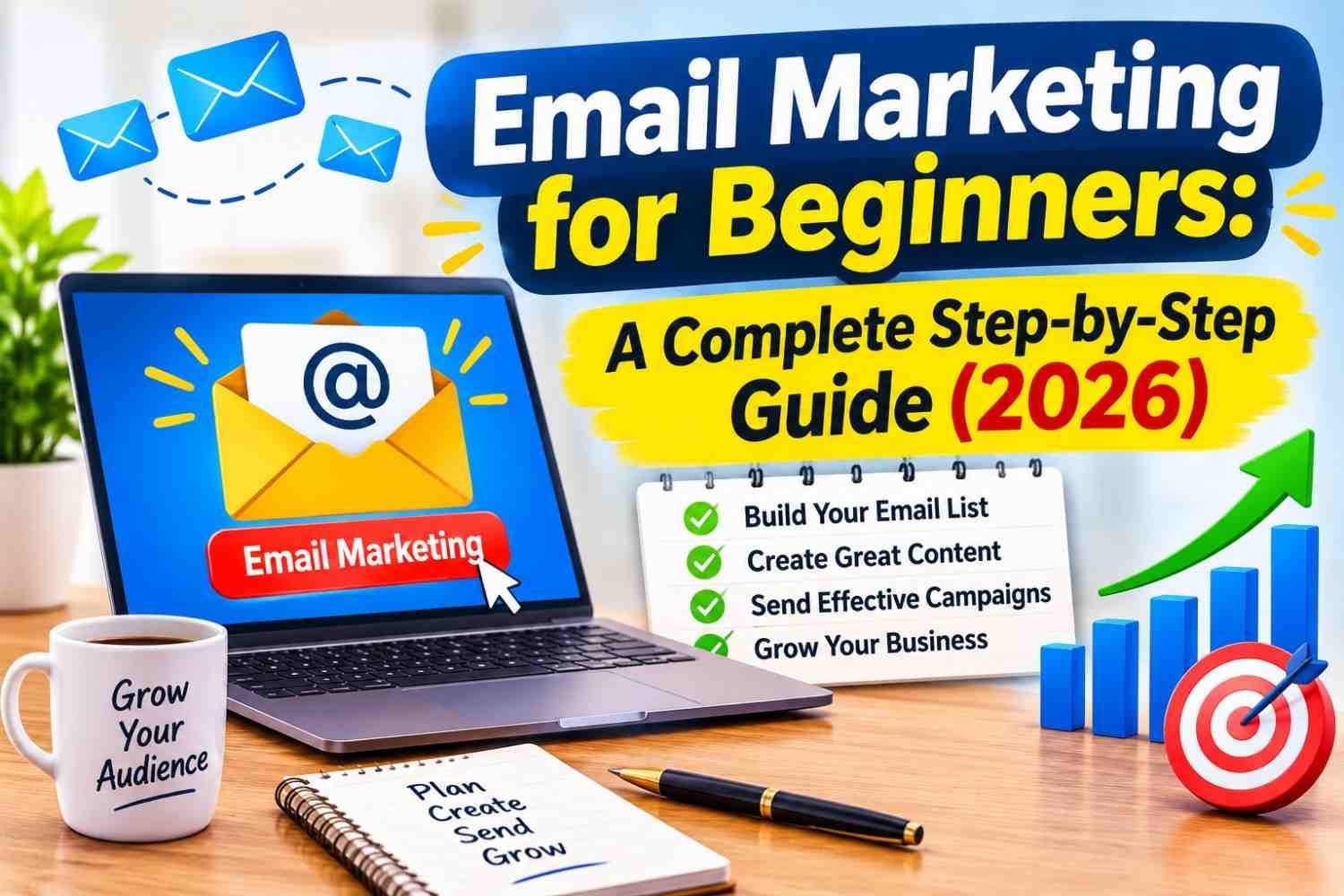
If you run a website, a small business, or an online store, you have probably heard that “the money is in the list.” It is true. Social media reach goes up and down with every algorithm update, and search traffic can change overnight, but an email list is an audience you actually own. This guide explains email marketing for beginners in simple language: what it is, why it works, which tools to use, and exactly how to send your first campaign.
What Is Email Marketing?
Email marketing is the practice of sending useful, permission-based emails to people who have chosen to hear from you. These emails can share helpful tips, new blog posts, product launches, special offers, or reminders. The key word is permission. Real email marketing is not buying random email addresses and blasting them with ads. It is building a list of people who signed up because they want what you offer.
Why Email Marketing Still Works in 2026
Many beginners think email is old-fashioned. The numbers say otherwise:
- There are around 4.5 billion email users worldwide, and the number keeps growing every year.
- Industry studies consistently report an average return of roughly $36 to $42 for every $1 spent on email marketing, which is higher than most other digital channels.
- Most people check their inbox every day, and a large share of them open email on their phone first.
The biggest advantage is ownership. If a social platform bans your page or changes its rules, your followers can disappear. Your email list stays with you, and you can move it from one tool to another at any time.
Key Email Marketing Terms Every Beginner Should Know
- Email list: The group of people (subscribers) who have agreed to receive your emails.
- Opt-in form: The sign-up box on your website where visitors enter their email.
- Lead magnet: A free gift (checklist, ebook, template, mini-course) offered in exchange for an email address.
- Campaign / Broadcast: A one-time email sent to your list, such as a newsletter or announcement.
- Automation (Autoresponder): Emails that are sent automatically when someone takes an action, like signing up.
- Segmentation: Dividing your list into smaller groups based on interests or behaviour.
- Open rate: The percentage of people who opened your email.
- Click-through rate (CTR): The percentage of people who clicked a link in your email.
- Unsubscribe rate: The percentage of people who left your list after an email.
- Deliverability: How often your emails land in the inbox instead of the spam folder.
Step 1: Set a Clear Goal
Before choosing any tool, decide what you want email to do for you. Common goals include:
- Bringing repeat visitors back to your blog
- Selling products or services
- Building trust with new leads before they buy
- Keeping existing customers informed and loyal
Your goal decides what kind of content you send and how often you send it.
Step 2: Choose an Email Marketing Platform
Never send marketing emails from your personal Gmail or Outlook account. You need an email service provider (ESP) that handles sign-up forms, unsubscribe links, automation, and deliverability. Popular beginner-friendly options include:
- Mailchimp: Well-known, easy drag-and-drop editor, good for small businesses.
- MailerLite: Clean interface, affordable, very popular with bloggers.
- Brevo (formerly Sendinblue): Pricing based on emails sent, includes SMS and transactional email.
- Kit (formerly ConvertKit): Built for creators, bloggers, and course sellers.
- Moosend and Sender: Budget-friendly options with useful automation features.
Most of these platforms offer a free plan for small lists. Free plan limits change often, so check the pricing page before you sign up and choose a tool you can grow with.
What to Look For in a Beginner Tool
- An easy drag-and-drop email editor
- Ready-made sign-up forms and landing pages
- Basic automation (at least a welcome email series)
- Simple reports for opens, clicks, and unsubscribes
- Integration with WordPress or your website builder
Step 3: Build Your Email List the Right Way
Your list is the foundation of everything. A small list of interested readers is far more valuable than a large list of people who never open your emails.
Never Buy an Email List
Bought lists damage your sender reputation, push your emails into spam, and in many countries break the law. Most email platforms will also suspend your account if they detect a purchased list.
Create a Strong Lead Magnet
People rarely sign up just to “get updates.” Give them a reason. Good lead magnets for beginners include:
- A one-page checklist or cheat sheet
- A short PDF guide that solves one specific problem
- A free template (budget sheet, content calendar, planner)
- A 5-day email mini-course
- A discount code for first-time buyers
Place Sign-Up Forms Where People Will See Them
- At the end of every blog post
- In the sidebar or header of your website
- A dedicated landing page you can share on social media
- A polite exit-intent popup (avoid aggressive popups that annoy readers)
Use Double Opt-In
Double opt-in sends a confirmation email that new subscribers must click. It keeps fake and mistyped addresses off your list and improves deliverability.
Step 4: Set Up a Welcome Email Sequence
The welcome email usually gets the highest engagement of any email you will ever send, because the subscriber has just shown interest. Do not waste that moment. A simple 3-email welcome sequence works well:
- Email 1 (immediately): Say thank you, deliver the lead magnet, and tell them what kind of emails to expect and how often.
- Email 2 (2 days later): Share your best or most popular content that solves a real problem.
- Email 3 (4–5 days later): Tell your story, build trust, and introduce your product or service gently.
Once this is set up, it runs automatically for every new subscriber, even while you sleep.
Step 5: Write Emails People Actually Want to Open
Write a Clear Subject Line
The subject line decides whether your email is opened or ignored. Tips:
- Keep it short, around 40–50 characters, so it is not cut off on mobile.
- Be specific: “5 ways to cut your electricity bill this winter” beats “Monthly newsletter.”
- Avoid ALL CAPS, too many exclamation marks, and spammy words like “FREE MONEY.”
- Use the preview text (the line shown after the subject) to add extra context.
Keep the Body Simple and Useful
- Write like you are talking to one person, not a crowd.
- Use short paragraphs and plenty of white space.
- Focus on one main message per email.
- Follow the 80/20 rule: about 80% helpful content, 20% promotion.
Add One Clear Call to Action (CTA)
Every email should ask the reader to do one thing: read the post, watch the video, claim the offer, or reply with a question. Multiple competing buttons confuse readers and reduce clicks.
Design for Mobile First
A large share of emails are opened on phones, and many readers delete emails that look broken on mobile. Use a single-column layout, large readable fonts, and buttons big enough to tap with a thumb. Always send a test email to yourself and check it on your phone before sending.
Step 6: Decide How Often to Send
There is no perfect frequency, but consistency matters more than volume. For most beginners, one email per week is a good starting point. It keeps you in your subscribers’ minds without overwhelming them. Whatever schedule you choose, tell subscribers in your welcome email and stick to it.
Step 7: Segment Your List
As your list grows, not every email will suit every subscriber. Segmentation lets you send more relevant emails. Simple ways to segment:
- By the lead magnet or form they signed up through
- By interest (ask them to choose topics in your welcome email)
- By behaviour (clicked a product link, bought before, inactive for 90 days)
- By location or language
Relevant emails get more opens and clicks, and fewer unsubscribes.
Step 8: Protect Your Deliverability
Great emails are useless if they land in spam. Follow these basics:
- Use a professional sending address on your own domain (for example, hello@yourdomain.com) instead of a free Gmail address.
- Authenticate your domain with SPF, DKIM, and DMARC records. Your email platform gives step-by-step instructions, and major inbox providers like Gmail and Yahoo now require authentication from bulk senders.
- Include an easy unsubscribe link in every email.
- Clean your list regularly by removing bounced addresses and people who have not opened anything in months.
- Warm up slowly if your list is new: start with smaller sends and increase gradually.
Step 9: Follow Email Marketing Laws
Email rules exist to protect people from spam. While laws differ by country, these common principles keep you safe almost everywhere:
- Only email people who gave you permission.
- Clearly identify who you are in every email.
- Use honest subject lines that match the content.
- Include a working unsubscribe option and honour requests quickly.
- Add a physical or business address where required.
Well-known regulations include CAN-SPAM in the United States, GDPR in the European Union and UK, and CASL in Canada. If you have subscribers in these regions, read the basics of each law or consult a legal professional.
Step 10: Track Results and Improve
Your email platform shows reports after each campaign. Focus on these numbers:
- Click-through rate: The most reliable sign that people found your email useful.
- Conversion rate: How many people completed your goal, such as a purchase or sign-up.
- Unsubscribe rate: A sudden rise means your content or frequency needs adjusting.
- Open rate: Useful for testing subject lines, but treat it as a rough guide. Privacy features in some email apps now make open rates less accurate than before.
Use A/B Testing
Most platforms let you test two versions of an email. Start by testing one thing at a time, such as two subject lines, and send the winning version to the rest of your list. Small improvements add up over time.
Common Email Marketing Mistakes Beginners Make
- Waiting too long to start building a list
- Buying email lists or adding people without permission
- Sending only sales emails with no helpful content
- Sending irregularly, then suddenly emailing after months of silence
- Ignoring mobile design
- Using vague subject lines like “Newsletter #12”
- Never checking reports or testing anything
Simple Email Marketing Plan for Your First 30 Days
- Days 1–3: Choose an email platform and connect your domain.
- Days 4–7: Create one lead magnet that solves a specific problem for your audience.
- Days 8–10: Add sign-up forms to your website and create a simple landing page.
- Days 11–14: Write and automate a 3-email welcome sequence.
- Days 15–30: Send one helpful email per week, promote your sign-up page on social media, and review your reports after each send.
Frequently Asked Questions
Is email marketing free?
You can start for free. Many email platforms offer free plans for small lists. As your list grows, you will usually need a paid plan, but the cost is low compared to the potential return.
How many subscribers do I need to start?
Zero. Start building your list from day one. Even 50 engaged subscribers can bring real results, and the habits you build early will help as your list grows.
Can I use Gmail for email marketing?
It is not recommended. Personal email accounts have sending limits, no proper unsubscribe system, and a higher chance of being marked as spam. Use a dedicated email marketing platform instead.
What is the best time to send emails?
There is no universal best time. Many senders see good results on weekday mornings, but your audience may be different. Test different days and times, then follow what your own reports show.
How long does it take to see results?
Most beginners start seeing meaningful engagement within two to three months of consistent sending. Email marketing is a long-term strategy that grows stronger as trust builds.
Final Thoughts
Email marketing is one of the most reliable and cost-effective ways to grow a website or business. You do not need a big budget or technical skills to begin. Choose a simple tool, offer a valuable lead magnet, set up a welcome sequence, and send helpful emails on a consistent schedule. Focus on giving value first, and your email list will become one of your most valuable online assets.



The perspective outlined regarding “email marketing for beginners complete step b…” provides meaningful clarity on the subject. Appreciate the dedication to detailed analysis here. Keep up the great work!